
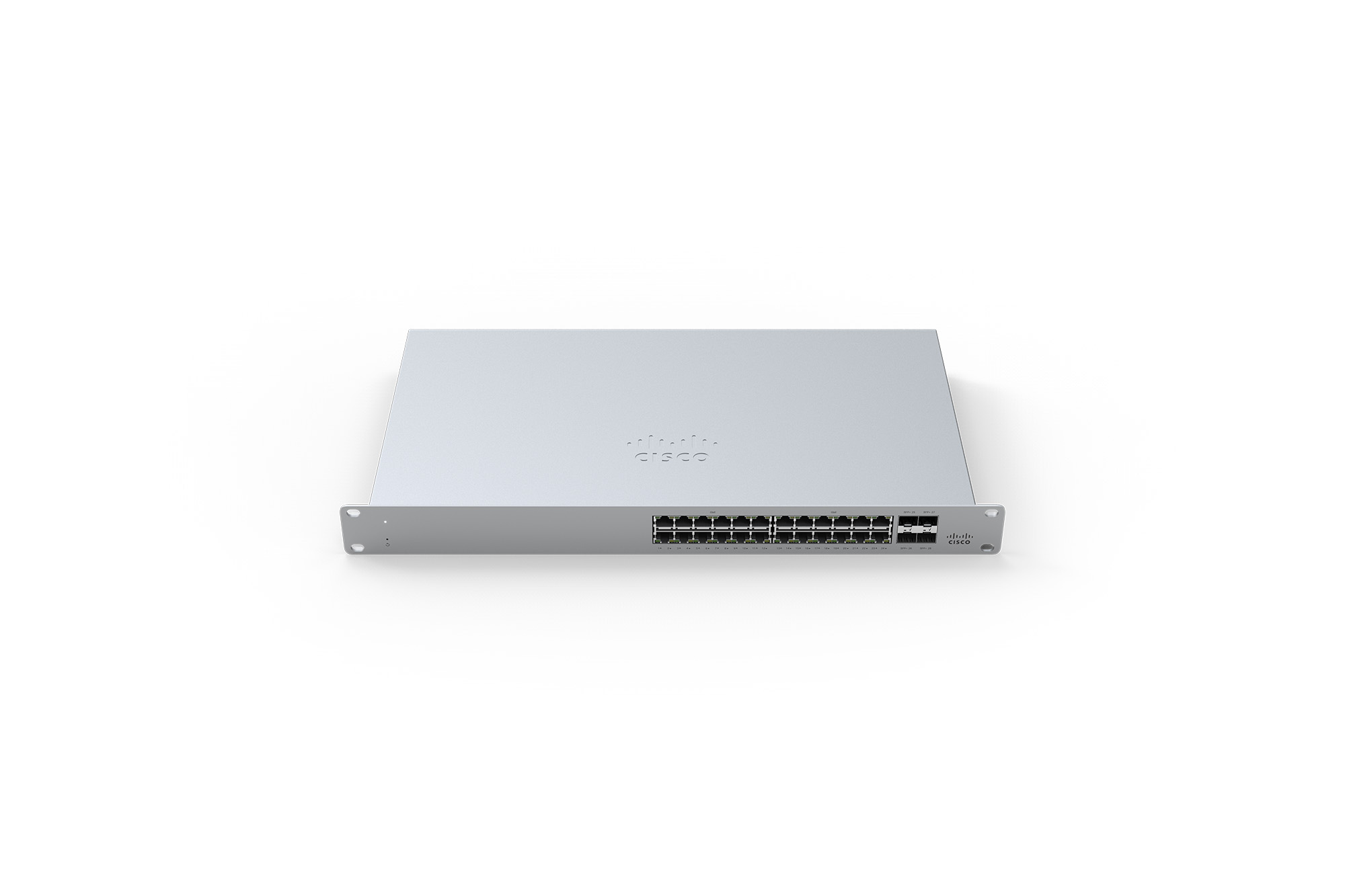
Meraki MS125 24 10G L2 Cld Mngd 24x GigE Switch
Original price was: $5,781.55.$3,380.81Current price is: $3,380.81.
Recommended professional services for this product (we’ll contact you to discuss)
Cisco Meraki Switching Services
Build a resilient, cloud-managed network backbone with Cisco Meraki switches. We design and deploy tailored switching solutions to support your business operations, ensure performance, and simplify network management.
From smart Layer 2/3 design and PoE planning to security, compliance, and future scalability, we deliver more than just hardware setup — we deliver intelligent infrastructure.
Ideal for offices, warehouses, healthcare, education, and more.
Field Services
Deploy, support, and maintain your Cisco Meraki infrastructure with confidence through our expert Field Services. We provide on-site assistance across Australia to ensure your network hardware is installed and operating correctly from day one.
From structured cabling and hardware installations to troubleshooting and emergency callouts, our certified technicians work directly with your team or end users to deliver consistent, high-quality outcomes.
Ideal for businesses, retail chains, educational institutions, and remote offices needing professional, hands-on support for their Meraki solutions—nationwide.
Cisco Meraki MS125 switches provide Layer 2 access switching and 10G uplinks, ideal for branch and campus deployments. The MS125 series features a variety of power options designed to meet the diverse needs of branch and campus deployments.
With 5 different models, capable of providing up to 740W of power over a variety of port densities, including 10Gb SFP+ capable uplinks, the MS125 line is fully ready to support future wireless infrastructure deployments across a variety of different environments.
Features
|
|
Context and Comparisons
|
MS120-24P |
MS120-48FP |
MS125-24P |
MS125-48LP |
MS125-48FP |
|
|---|---|---|---|---|---|
| 1GbE RJ45 | 24 | 48 |
24 |
48 |
48 |
| 1GbE SFP | 4 | 4 | – | ||
| 10GbE SFP+ | – | – |
4 |
4 |
4 |
| Dedicated Mgmt Interface | 1 | 1 |
1 |
1 |
1 |
| Max Switching Capacity |
56 Gbps |
104 Gbps |
128Gbps |
176 Gbps |
176 Gbps |
| PoE/PoE+ Capable | Yes, 370W | Yes, 740W |
Yes, 370W |
Yes, 370 W |
Yes, 740 W |
Technical Breakdown
Hardware
|
MS125-24 |
MS125-24P |
MS125-48 |
MS125-48LP |
MS125-48FP |
|
|---|---|---|---|---|---|
| 1GbE RJ45 |
24 |
24 |
48 |
48 |
48 |
| 10GbE SFP+ |
4 |
4 |
4 |
4 |
4 |
| Dedicated Mgmt Interface |
1 |
1 |
1 |
1 |
1 |
Throughput and Capabilities
| MS125-24 | MS125-24P | MS125-48 | MS125-48LP | MS125-48FP | |
|---|---|---|---|---|---|
| PoE/PoE+ Capable | – | Yes, 370W | – | Yes, 370W | Yes, 740W |
| Switching Capacity | 128Gbps | 128Gbps | 176 Gbps | 176 Gbps | 176 Gbps |
| Power Supply | Built-in | Built-in | Built-in | Built-in | Built-in |
Physical
| MS125-24 | MS125-24P | MS125-48 | MS125-48LP | MS125-48FP | |
|---|---|---|---|---|---|
| Mount Type | 1U Rack Mount (Front) | 1U Rack Mount (Front) | 1U Rack Mount (Front) | 1U Rack Mount (Front/ Mid) | 1U Rack Mount (Front/ Mid) |
| Dimensions
(h x w x d) |
1.73 x 17.32 x 9.84 in
(4.4 x 44 x 25cm) |
1.73 x 17.32 x 9.84 in
(4.4 x 44 x 25cm) |
1.73 x 17.32 x 9.84 in
(4.4 x 44 x 25 cm) |
1.73 x 17.32 x 13.38 in
(4.4 x 44 x 34 cm) |
1.73 x 17.32 x 13.38 in
(4.4 x 44 x 34 cm) |
| Weight | 8.16 lb (3.7 kg) | 9.26 lb (4.2 kg) | 9.26 lb (4.2 kg) | 11.9 lb (5.4 kg) | 12.79 lb (5.8 kg) |
| Power Load (idle/max) | 10.3 / 25.6 W | 25 / 426.1 W | 21.7 / 42 W | 40.2 / 439.8 W | 52 / 845.4 W |
| Operating Temperature | 32°F – 113 °F 0°C – 45°C |
32°F – 113 °F 0°C – 45°C |
32°F – 113 °F 0°C – 45°C |
32°F – 113 °F 0°C – 45°C |
32°F – 113 °F 0°C – 45°C |
| Humidity | 5% to 95% | 5% to 95% | 5% to 95% | 5% to 95% | 5% to 95% |
** MS125 support MA-SFP-10GB-ER between 0° – 35°C at 10,000 feet
Configuration
The basic initial configuration of the MS125 is just as simple as any other model of MS switch. The links below provide additional information and instructions relating to each step in getting the device setup and configured for the first time.
1. Claim the device to an Organization on the Meraki Dashboard.
a. If a Dashboard Organization does not yet exist, Create one
2. Add the device to a Dashboard Network.
b. If a Network does not yet exist, Create one first
3. Physically connect the device to the local network
a. Connect one of the RJ45 ports to existing infrastructure to provide a temporary uplink
b. Power on the device and let it check in to the Dashboard
c. If necessary, configure a Static IP through the Local Status Page to allow it to communicate with the Meraki Dashboard
4. Allow the device to complete check-in and perform any initial firmware upgrades.
5. Finish configuring the device from the Meraki Dashboard.
Troubleshooting
The MS uses LEDs to inform the user of the device’s status. When the device powers on, all the Internet LEDs flash twice. Additional functions are described below, from left to right.
| Item | Function | LED Status | Meaning |
| 1 | Power | Solid orange | Switch is unable to connect to the Meraki cloud |
| Flashing white | Firmware upgrade in process | ||
| Solid white | Switch is fully operational and connected to the Meraki cloud | ||
| Off | Switch does not have power | ||
| 2 | Restore | N/A | Restore button to clear switch IP and local configuration settings |
| 3 | Switch Ports | Off | No link is detected on this port |
| Flashing orange (RJ45 ports only) | Activity indicator | ||
| Solid green | 1 Gbps link detected |
In addition, there is a RESTORE button available on the front panel.
Insert a paperclip if a restore is required.
· A brief, momentary press: To delete a downloaded configuration and reboot.
· Press and hold for more than 10 sec: To force the unit into a full factory restore.
Common Troubleshooting
My device is connected to the network but not checking in to the Meraki cloud or shows a solid Orange LED.
Confirm that the device is powered on and has a valid IP address that is able to access the Internet. Use the Local Status Page to get more information about the connectivity status of the device such as if it can successfully reach the Local Gateway, Internet, and/or Meraki Cloud servers. If necessary, contact Meraki Support for additional assistance.
My Status LED is blinking WHITE
A blinking WHITE Status LED indicates that the device is in contact with the Dashboard Cloud servers and is performing a firmware update. This can sometimes take 20-45 minutes or more to complete depending on hardware and other factors.
My Status LED is blinking ORANGE
The device is not able to successfully communicate with the Dashboard Cloud servers or there may be a hardware issue with the device. Check the Local Status Page of the device to confirm the status and reach out to Meraki Support for further troubleshooting.
Event Log
The most common Event Log messages and their meaning are listed below.
Port STP change
Indicates the STP state of the port has changed, lists the relevant port number, previous, and new states. Typically accompanied by a ‘Port status change’ event.
Port status change
Indicates the link state of the port has changed, lists the relevant port number, old, and new state. Always accompanied by a ‘Port STP change’ event.
SFP module inserted/removed
Indicates that an SFP module was either inserted or removed, includes SFP module information for inserted events and always lists the relevant port number.
Related products
-
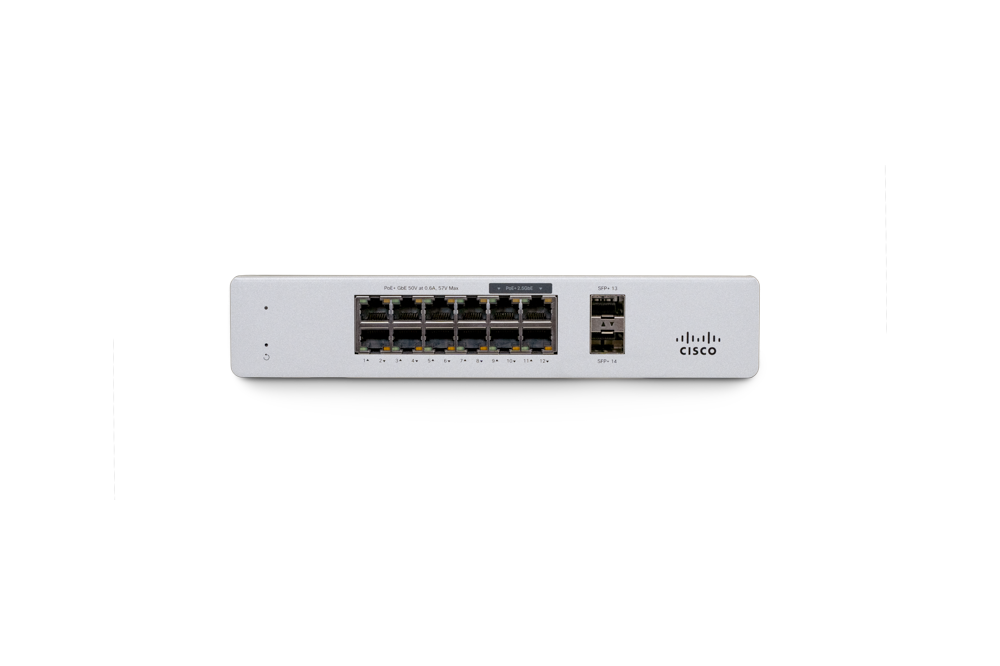
Meraki MS130-12X
Original price was: $6,493.14.$2,811.34Current price is: $2,811.34.Meraki MS130-12X Cloud Mgd. 8GE + 4x(2.5GE) 240W PoE Switch The Meraki MS130-12X provides cost-effective mGig switch with 240 W PoE+ High-bandwidth mGig switch ideal for […]
-
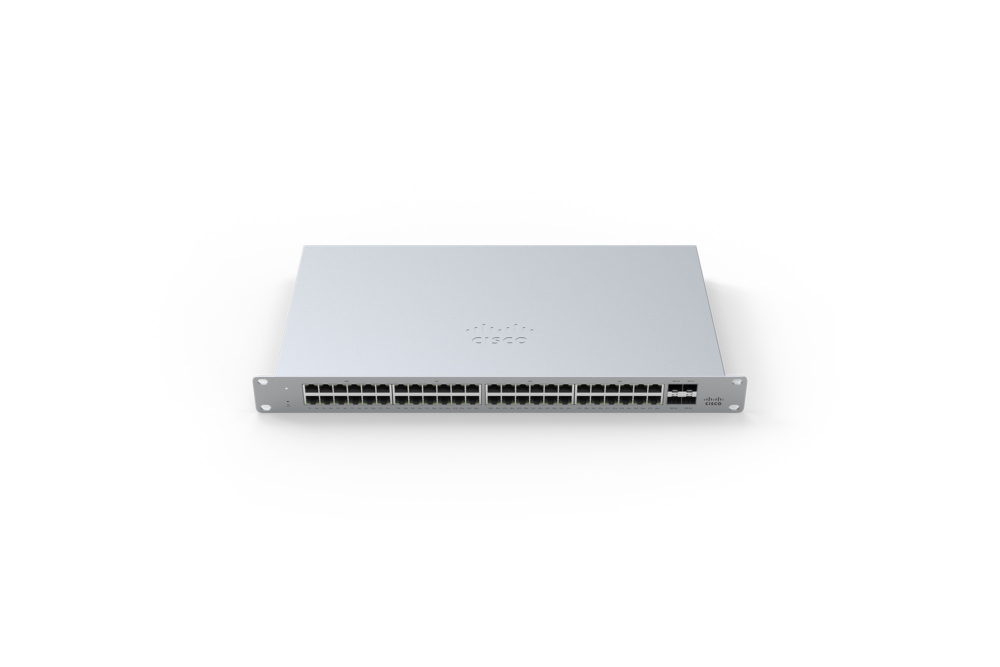
Cisco Meraki MS120-48FP 1G L2 Cld Managed 48x GigE 740W PoE Switch
Original price was: $11,818.18.$6,910.80Current price is: $6,910.80.Cisco Meraki MS120-48FP Cisco Meraki MS120 switches provide Layer 2 access switching ideal for branch and campus deployments. The MS120 series features a variety of power […]

Reviews
There are no reviews yet.